

Codex Subagents: Revolutionizing Complex AI Workflows
In the rapidly evolving landscape of AI development, managing intricate and multi-faceted tasks efficiently is paramount. OpenAI's Codex, a powerful AI code generation and assistance tool, addresses this challenge head-on with its innovative subagent capabilities. Subagents empower developers to decompose complex problems into manageable, parallelizable units, each handled by a specialized AI agent. This approach dramatically enhances the efficiency and depth of AI-assisted development, particularly for tasks like extensive codebase exploration, multi-step feature implementation, or comprehensive code reviews.
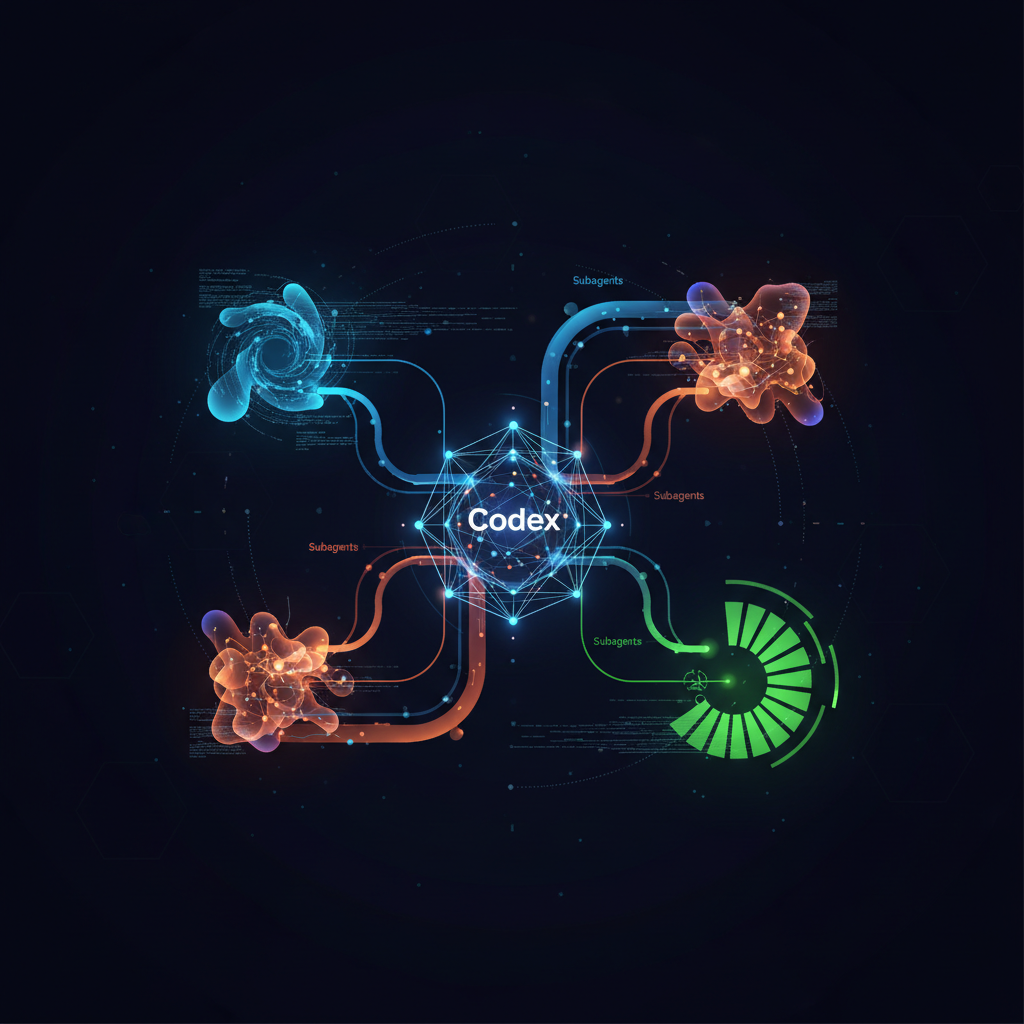
Subagents function by allowing the primary Codex instance to spawn dedicated, specialized agents that work in parallel. These agents can be configured with different models and instructions, enabling them to focus on specific aspects of a problem. Once their individual tasks are complete, Codex intelligently collects and consolidates their results, providing a unified and comprehensive response. This methodology is critical for overcoming limitations inherent in single-agent systems, such as context pollution or context rot, ensuring that each part of a complex task receives the focused attention it requires. For a deeper dive into the theoretical underpinnings, exploring concepts like operationalizing-agentic-ai-part-1-a-stakeholders-guide can provide valuable context.
How Codex Orchestrates Subagent Workflows
The power of Codex subagents lies in their seamless orchestration of distributed tasks. When a developer initiates a complex query, Codex intelligently identifies opportunities to delegate work to multiple subagents. This process involves spawning new subagents, routing specific instructions to each, and then patiently awaiting their individual results. Once all subagents have completed their assignments, Codex gathers their outputs and synthesizes them into a consolidated, coherent response.
A crucial aspect to understand is that subagents are spawned only when explicitly requested, either through specific prompts or predefined configurations. While this parallel processing offers significant advantages in speed and comprehensiveness, it's important to note that each subagent consumes tokens for its model and tool interactions. Consequently, subagent workflows inherently consume more tokens than comparable single-agent runs. Developers should be mindful of this when designing their prompts and configurations.
Consider the following example prompt to initiate a multi-faceted code review using subagents:
I would like to review the following points on the current PR (this branch vs main).
Spawn one agent per point, wait for all of them, and summarize the result for each point.

1. Security issue
2. Code quality
3. Bugs
4. Race conditions
5. Test flakiness
6. Maintainability of the code
In this scenario, Codex would likely launch six distinct subagents, each specializing in one of the listed review points. After each agent completes its analysis, Codex would compile the findings into a single, structured report, offering a holistic overview of the pull request. This exemplifies the efficiency gained by distributing the workload among specialized AI entities.
Managing and Securing Your Subagent Ecosystem
Effective management and robust security are key considerations when working with subagents. Codex provides tools and mechanisms to oversee subagent activities and ensure secure operations within their sandboxed environments.
In interactive CLI sessions, developers can use the /agent command to switch between active agent threads, inspect ongoing processes, or steer a particular subagent. This granular control allows for real-time adjustments and monitoring of individual agent progress. You can also explicitly ask Codex to stop a running subagent or close completed threads to manage resources and focus.
Security is paramount, and subagents inherit the current sandbox policy from the main Codex session. This ensures that their operations adhere to predefined safety and access rules. When approval requests arise from inactive agent threads, especially in interactive CLI sessions, Codex intelligently surfaces these to the user. An approval overlay will indicate the source thread, allowing you to press 'o' to open and inspect that thread before making an informed decision to approve, reject, or answer the request. This prevents blind approvals and maintains developer oversight.
For non-interactive flows or situations where a fresh approval cannot be surfaced, any action requiring new approval will automatically fail, with Codex reporting the error back to the parent workflow. This fail-safe mechanism prevents unauthorized actions in automated contexts. Furthermore, Codex reapplies the parent turn’s live runtime overrides—such as changes made via /approvals or the --yolo flag—to spawned children, ensuring consistent security postures across the agent hierarchy. For advanced users, it's also possible to override the sandbox configuration for individual custom agents, allowing for fine-grained control over their permissions, for example, by marking an agent as 'read-only'.
Defining Custom Subagents for Tailored Tasks
While Codex provides several built-in agents, such as the default general-purpose fallback, the worker for execution-focused tasks, and the explorer for read-heavy codebase exploration, the true power of the subagent system lies in its extensibility. Developers can define their own custom agents to address highly specialized requirements, tailoring AI behavior to unique project contexts.
Custom agents are defined using standalone TOML files. These files can be placed in ~/.codex/agents/ for personal agents or .codex/agents/ for project-scoped agents. Each TOML file essentially acts as a configuration layer, allowing custom agents to override settings that would otherwise be inherited from the parent session. This includes critical parameters like the AI model used, its reasoning effort, sandbox mode, and even specific skills configurations.
Every standalone custom agent file must define the following fields:
name: The agent's unique identifier, which Codex uses when spawning or referencing it.description: Human-readable guidance that helps Codex understand when to deploy this agent.developer_instructions: The core set of instructions that dictate the agent's behavior and operational logic.
Optional fields like nickname_candidates, model, model_reasoning_effort, sandbox_mode, mcp_servers, and skills.config can also be included. If omitted, these settings will inherit from the parent session, simplifying configuration where defaults are acceptable. For best practices in prompt engineering, which directly influences agent instructions, refer to resources like the Codex Prompting Guide.
The name field is the definitive identifier for a custom agent. While matching the filename to the agent name is a common and recommended convention, the name field within the TOML file is the ultimate source of truth. The nickname_candidates field is a useful addition for user experience, allowing Codex to assign more readable display names to spawned agents, which is particularly helpful in complex multi-agent scenarios.
Global Settings and Advanced Subagent Configuration
Beyond individual custom agent definitions, Codex offers global configuration settings to manage the overarching behavior of subagent workflows. These settings are typically found under the [agents] section in your main configuration file, offering centralized control over resource allocation and operational parameters.
Here's a breakdown of key global subagent settings:
| Field | Type | Required | Purpose |
|---|---|---|---|
agents.max_threads | number | No | Caps the number of concurrent open agent threads. Defaults to 6 if unset. |
agents.max_depth | number | No | Limits the nesting depth of spawned agents (root session starts at 0). Defaults to 1. Prevents recursive delegation beyond immediate children to manage token usage and latency. |
agents.job_max_runtime_seconds | number | No | Sets the default timeout per worker for spawn_agents_on_csv jobs. If unset, defaults to 1800 seconds (30 minutes). |
The agents.max_threads setting, defaulting to 6, provides a safeguard against excessive resource consumption by limiting the number of subagents that can operate simultaneously. The agents.max_depth setting, with its default of 1, is particularly important. While deeper nesting might seem appealing for complex delegation, increasing this value can lead to significant increases in token usage, latency, and local resource consumption due to repeated fan-out. It's generally recommended to maintain the default unless a specific recursive delegation pattern is absolutely necessary and carefully managed.
Custom agent files can also include other supported config.toml keys, expanding their configurability beyond just the mandatory fields. This modular and layered configuration approach ensures that developers have fine-grained control over their AI agents, allowing them to optimize for performance, cost, and security tailored to their specific development needs. By understanding and leveraging these powerful subagent capabilities, developers can push the boundaries of AI-assisted coding and significantly enhance their development workflows.
Original source
https://developers.openai.com/codex/subagents/Frequently Asked Questions
What are Codex subagents and how do they enhance AI development workflows?
How does Codex manage the orchestration of multiple subagents?
What are the security considerations and controls for Codex subagents?
How can developers create and utilize custom agents within Codex?
What global settings are available for managing subagent behavior in Codex?
What are the primary advantages of using subagents for complex tasks?
Stay Updated
Get the latest AI news delivered to your inbox.